
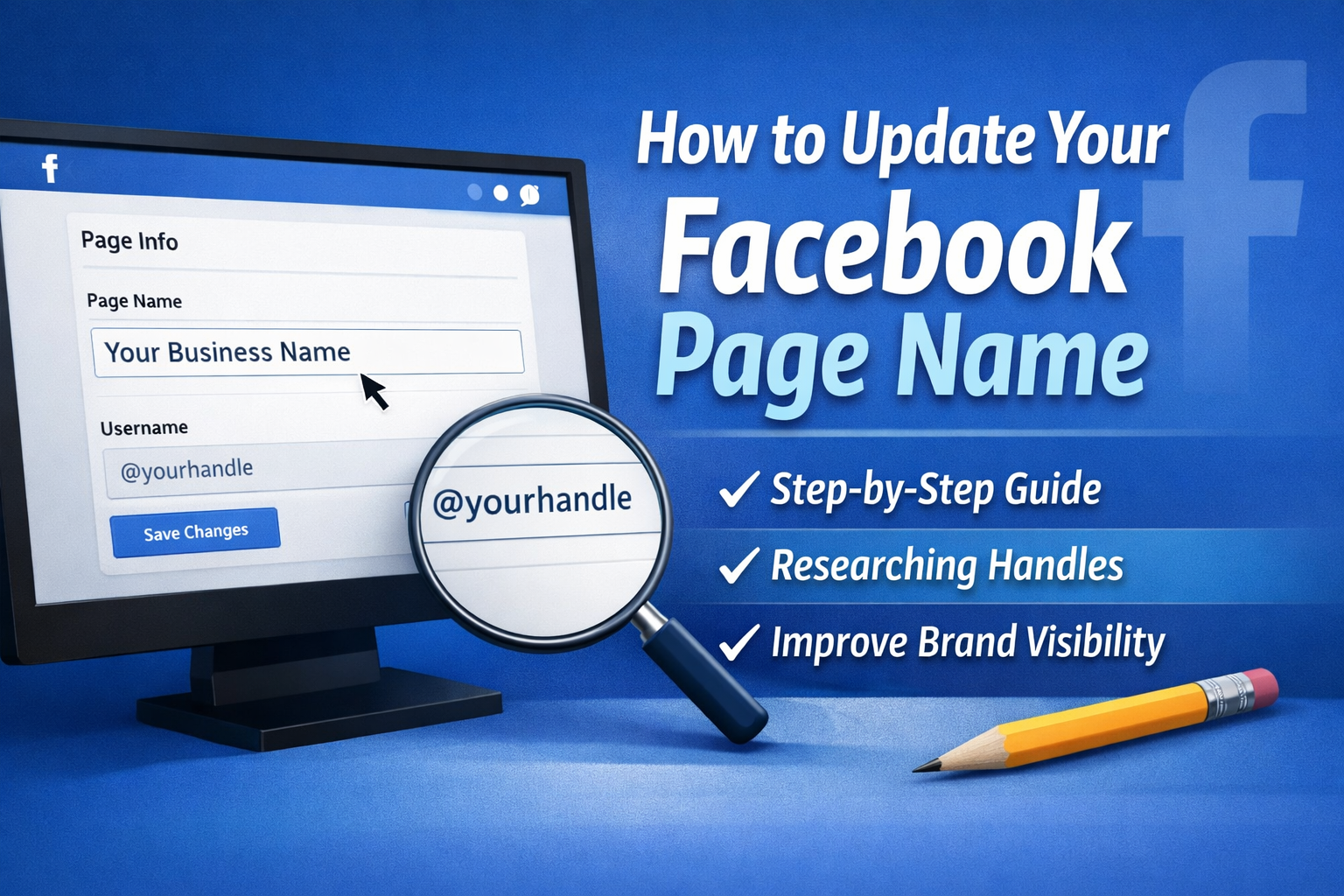
How to Update Your Facebook Page Name
How to update your Facebook Page name is a practical task every business owner should understand if you want your brand to stay clear, consistent, and easy to find online. Your Facebook Page name is often one of the first things people see when they search for your business. If it is outdated, inconsistent, or unclear, it can weaken trust and make your business harder to recognise.
For service-based businesses, your Facebook Page name should match your brand as closely as possible across your website, Google Business Profile, Instagram, and other online platforms. This helps customers find you faster and supports stronger brand visibility.
Why Your Facebook Page Name Matters for Brand Visibility
Your Facebook Page name does more than label your profile. It helps shape how people find and remember your business.
A clear and accurate Page name can help you:
- Improve brand recognition across platforms
- Make your business easier to search for
- Create consistency with your website and social profiles
- Build trust with potential customers
- Reduce confusion if your business name has changed
When your Facebook Page name and handle align with your wider branding, it becomes easier for customers to connect the dots between your website, social media, and local search presence.
Before You Update Your Facebook Page Name
Before making changes, review your current branding. This step helps you avoid choosing a name that causes confusion or does not fit your long-term marketing plans.
Check these areas first:
1. Confirm Your Official Business Name
Use the version of your business name that appears on your website, invoices, signage, and other major profiles. Consistency matters.
2. Review Your Current Branding
Look at your logo, tone of voice, service positioning, and how your audience already knows you. A sudden or unnecessary name change can weaken recognition.
3. Check Facebook Naming Rules
Facebook may reject names that use excessive capital letters, symbols, misleading terms, or words that do not reflect the actual business.
4. Tell Your Team Before Making Changes
If multiple staff manage your social media, make sure everyone knows the update is happening. This helps avoid inconsistent replies, outdated links, or confusion in future posts.
Step-by-Step Guide to Update Your Facebook Page Name
Here is the step-by-step instructional guide for business owners to update the Page name correctly.
Step 1: Log Into Facebook With Admin Access
You must have Facebook access with permission to manage the Page. Open Facebook and switch into the business Page profile if needed.
Step 2: Go to Your Facebook Page
From the left menu or your profile switcher, open the business Page you want to update.
Step 3: Open Page Settings
Find the settings area for your Page. Depending on the current Facebook layout, this may appear under Settings, Page Settings, or Page Setup.
Step 4: Select the Page Information Section
Look for the section that shows your business details, including your Page name, username, category, and contact details.
Step 5: Edit Your Page Name
Click on the Page name field and enter your updated business name. Double check spelling, spacing, and brand formatting before saving.
Step 6: Review Your Username or Handle
Your Page name and your Facebook username are different. The Page name is what people see publicly. The username, also called your handle, is the unique part of your Page URL.
For example:
- Page name: Ranking Australia
- Username or handle: @rankingaustralia
If your Page name changes, double check the handle too so both stay aligned.
Step 7: Submit the Update
Save the changes and submit them for review if required. Some updates may go live straight away, while others may need Facebook approval.
Step 8: Check Your Page After Approval
Once updated, review your Page on desktop and mobile. Make sure the new name appears correctly and matches your other branding.
How to Research Handles for Your Brand
Researching handles for your brand is an important part of updating your Facebook Page name. A strong handle improves consistency and can make your business easier to discover across multiple platforms.
What Makes a Good Brand Handle
A strong handle is:
- Short and easy to remember
- Close to your business name
- Easy to spell
- Free from extra symbols or random numbers
- Consistent across platforms where possible
Try to keep your handle as close to your trading name as possible. If your exact name is unavailable, choose a version that still feels natural and professional.
How to Research the Right Handle
Use this process before changing your Facebook username:
- Search your preferred handle on Facebook
- Check Instagram, LinkedIn, TikTok, YouTube, and X for consistency
- Search Google for the business name and handle combination
- Check whether the handle matches your website domain
- Avoid handles that could be confused with another brand
For example, if your business name is Brisbane Natural Health Clinic, you might review options like:
- @brisbanenaturalhealth
- @brisbanenaturalhealthclinic
- @naturalhealthbrisbane
Choose the one that is clear, brand aligned, and easy for customers to remember.
How a Better Page Name and Handle Can Boost Brand Visibility
Updating your Facebook Page name and researching handles for your brand can help boost brand visibility in practical ways.
Stronger Cross-Platform Consistency
When your Facebook Page matches your website and other social profiles, your business looks more established and easier to trust.
Better Search Recognition
Customers often search your business by name. A clear and consistent Page name makes your brand easier to identify in search results and on social platforms.
More Direct Traffic From Branded Searches
When people recognise your name from Google, your website, or referrals, they are more likely to click through to the right Facebook Page if the branding is clear.
Improved Customer Confidence
A mismatched Page name or outdated handle can cause hesitation. Consistency makes your business look organised and current.
Common Mistakes to Avoid When Updating Your Facebook Page Name
Business owners often rush this process. Avoid these common issues:
Choosing a Name That Is Too Different From Your Brand
A major change can confuse current followers and returning customers.
Ignoring the Handle
Your Facebook username matters just as much as the Page name for branding and shareability.
Using Keyword Stuffing
Do not overload your Page name with service terms or locations unless they are genuinely part of your brand name. Keep it natural.
Forgetting to Update Other Platforms
If you change your Facebook Page name, review your website, Google Business Profile, Instagram bio, email signature, and directories too.
Quick Checklist Before You Save the New Page Name
Use this checklist before you confirm the update:
- Does the Page name match your current brand?
- Is the spelling correct?
- Does the handle align with the brand?
- Is the name consistent with your website and Google profile?
- Will existing customers still recognise your business?
- Have you checked for possible confusion with another business?
Support for Business Owners Who Want Stronger Brand Visibility
A clear Facebook Page name is one part of a much bigger digital presence. For many business owners, the challenge is not just making one update. It is making sure every part of the brand works together across search, social media, and local visibility.
At Ranking Australia, we help service-based businesses strengthen brand consistency across Google, websites, and social platforms. That means clearer messaging, better search alignment, and practical support that helps your business stay visible where customers are looking.
If your online presence feels inconsistent, or you are unsure whether your brand is helping or hurting your visibility, contact Ranking Australia to discuss a strategy that fits your business goals.
Final Thoughts on How to Update Your Facebook Page Name
Knowing how to update your Facebook Page name gives you more control over how your business appears online. When you combine that with researching handles for your brand, you create a stronger foundation for better brand visibility.
For business owners, this is a simple but valuable update. It helps customers find you, recognise you, and trust that they are connecting with the right business.
If your brand has changed, grown, or become more refined over time, your Facebook Page should reflect that clearly.

